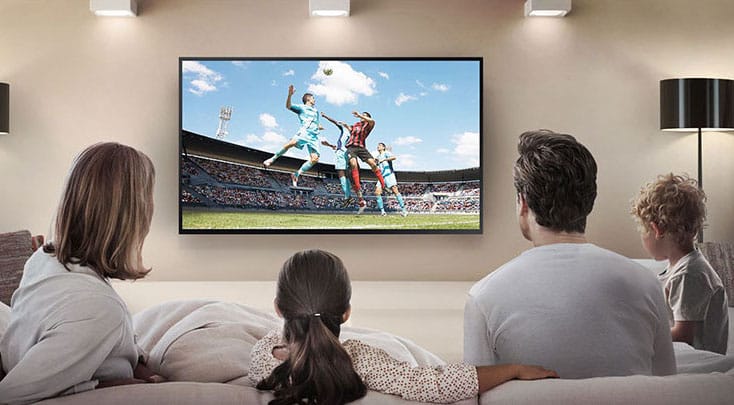
To understand why IPTV lags, we need to understand how IPTV works. When you connect to your IPTV service, you are streaming our content. In other words, you connect to our server, where you automatically get access to our range with your username and password.
Your IPTV is therefore lagging due to the following reasons:
When you are connected, a link is created between your device (for example, Smart TV) and our server. If you have disturbances in your network, this connection is disrupted/disturbed. When this happens, your TV tries to display content that has not yet been streamed/downloaded to your TV, and then you see pixelation, freezes, hacks, etc.
Simply explained, it is like trying to talk to your colleague who is a few meters away, while others are talking louder, tugging at you and trying to obscure your vision. It then becomes difficult for you to see and hear the other person, and their information does not reach you or only partially reaches you.
This is very simply explained and not 100% correct in technical terms, but it may give you a little understanding of how the principle works.
If your IPTV is lagging, we recommend this in the following order:
In summary, we always recommend that you restart your device, router and possibly service distributor/fiber box if you have one. If you have made these powerless for a minute or so but the problem persists after startup, you should test with another network, for example the mobile’s network. You can then test the channels temporarily on your mobile and see if the same problem occurs, this of course requires that you are in a place where you have good connection on your mobile network.
My IPTV does not lag when I connect via mobile.
If this is the case, you most likely have problems in your home network. Unfortunately, internet providers often promise more than they deliver, and the speed is often limited in the late afternoon when several people use the network.