
IPTV with Mobile or Tablet – Here’s how to get started with your Mobile or tablet! To watch IPTV on your Mobile, you need to download an IPTV app. Below you can see different apps that work with your Smartphone. Click on any app to learn how to get started. There are of course other apps that work with your phone, but below you’ll find the ones we recommend.
Below you can see which apps can be downloaded for each mobile device (iPhone, Android, or both). These apps usually work the same way on tablets with iOS or Android operating systems.
When getting started, begin by searching for the apps below in the order shown. If you don’t succeed with the first app you try, test the next one and so on until it works for you. With your login credentials, you can use any apps you want. You’re not limited to a specific app.
Just remember to only use one app at a time!
If you have an iOS or Android-based mobile, you can use any of these apps. These apps work for both. More apps for iOS and Android-based mobiles can be found below.
(Best for Android)
(Best for iPhone)
(Best for Android)
(iPhone & Android)
These apps work best on iPhone and are recommended in the following order.
These apps work best on Android phones and are recommended in the following order.

With IPTV on Mobile, you get one of the best ways to watch IPTV. Mobile IPTV means you can carry all your channels in your pocket as long as you have an internet connection. The apps can replace your expensive streaming services as you have everything on your mobile while on the go. Of course, our channels work in all countries around the world. If you want to save money, you can cancel your streaming services as you won’t need them after you start watching IPTV on your mobile phone.

IPTV with Tablet – Complete the basic settings and accept any terms on your new mobile or tablet if it’s new. Then log in or create a Google account or iCloud account depending on whether your device has an iOS or Android-based system. Keep the packaging as your warranty may be tied to it.
Also connect your new device to your network (you can of course use your mobile data too but make sure it doesn’t run out if it’s limited). It’s always recommended to use an Ethernet cable/network cable (though obviously not possible in your case) but it also works well with WiFi provided your router isn’t too far away and it’s a good router that provides good network coverage in the home. When you’re traveling, 4G and 5G work excellently.
If large objects such as refrigerators, wardrobes, doors, and other items are in the way, your device may lose or get poor connection occasionally.
We recommend the following Smartphones for IPTV although basically all smart mobile phones work.
If you don’t have any of these models, don’t worry! This is just a recommendation – naturally, you should watch IPTV with a box connected to your TV at home for the best experience.
IPTV with iPhone. We recommend buying a new iPhone model from one of the larger chains such as Amazon, Power, or another store. Of course, you can use the one you already have. We don’t recommend buying a used mobile or tablet as you never know how it was previously used. A used device may have been misused and important components such as hard drive, processor, or RAM memory may have been damaged. If your device will be used to watch IPTV while traveling or just outside the home, this is an excellent solution for you. However, if you’re thinking of having your mobile device replace a box or TV, it’s recommended to use an Apple TV or for example a Formuler Box instead.
Whether you already have an iPhone device or are buying a new one, it can be good to remove unnecessary apps that aren’t used as they take up space in the device’s storage and RAM memory since many apps run in the background.
IPTV with Android mobile or tablet. We recommend buying a new Android model from one of the larger chains such as Elgiganten, Power, or Webhallen. Of course, you can use the one you already have. We don’t recommend buying a used mobile or tablet as you never know how it was previously used. A used device may have been misused and important components such as hard drive, processor, or RAM memory may have been damaged. If your device will be used to watch IPTV while traveling or just outside the home, this is an excellent solution for you. However, if you’re thinking of having your mobile device replace a box or TV, it’s recommended to use an Apple TV or for example a Formuler Box instead.
Whether you already have an Android device or are buying a new one, it can be good to remove unnecessary apps that aren’t used as they take up space in the device’s storage and RAM memory since many apps run in the background.

Today there are many different IPTV apps for Mobile or Tablet IPTV. Above on this page you can see some that we recommend. Preferably download the apps from the Play Store or App Store. You can also watch IPTV with the following devices!

Now it’s time for you to request a free trial from us by clicking the button below. We always recommend buying 3 months after your free trial to have enough time to test properly as our content is enormous. We offer basically all sports, all movies, and all series and documentaries you can think of. Of course, the entire content is included even when you test our service for free.

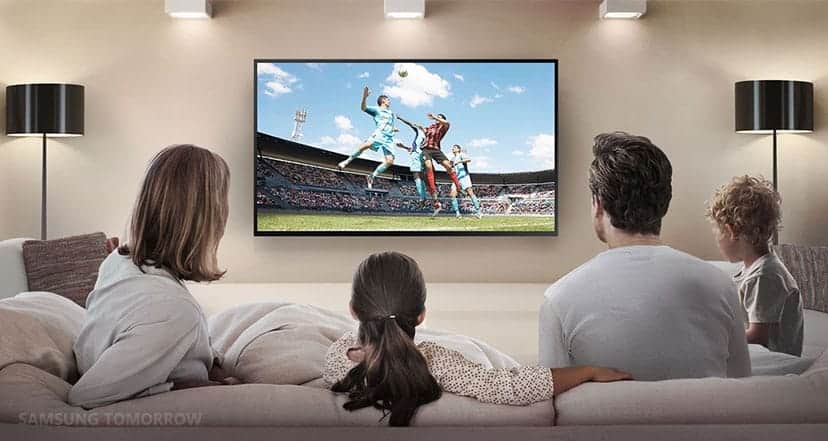
In summary, we recommend buying a new Mobile or Tablet if you don’t already have one. Then complete the basic settings and connect the Mobile/Tablet to the internet (WiFi or mobile data). Then download an IPTV app and request a free trial or buy a 1-12 month package from us.
Enjoy channels, movies, series, documentaries + all PPV events!
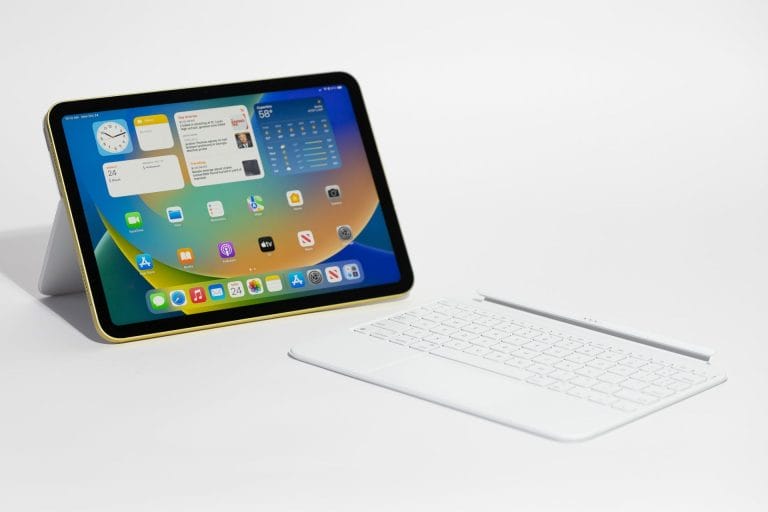
1. Buy a Mobile/Tablet
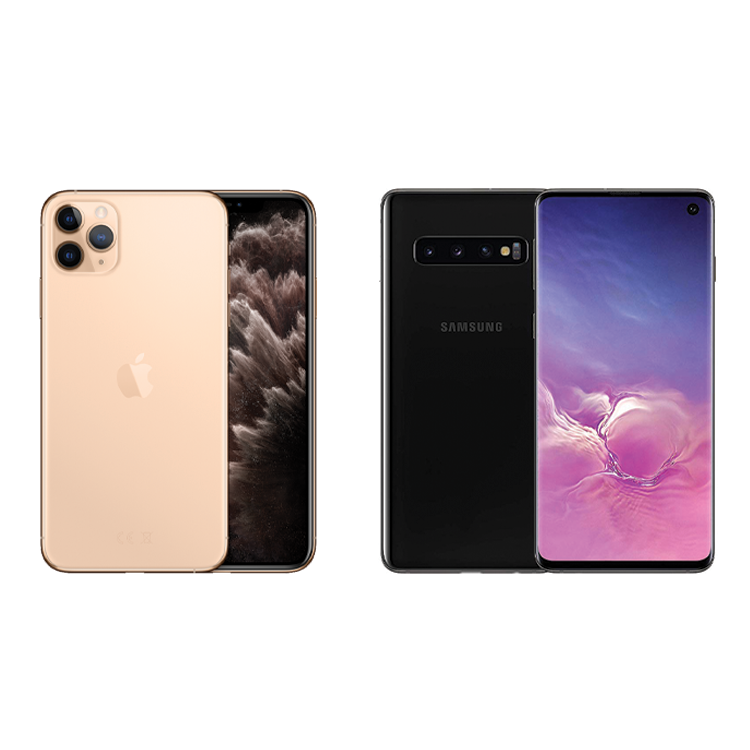
2. Complete basic settings
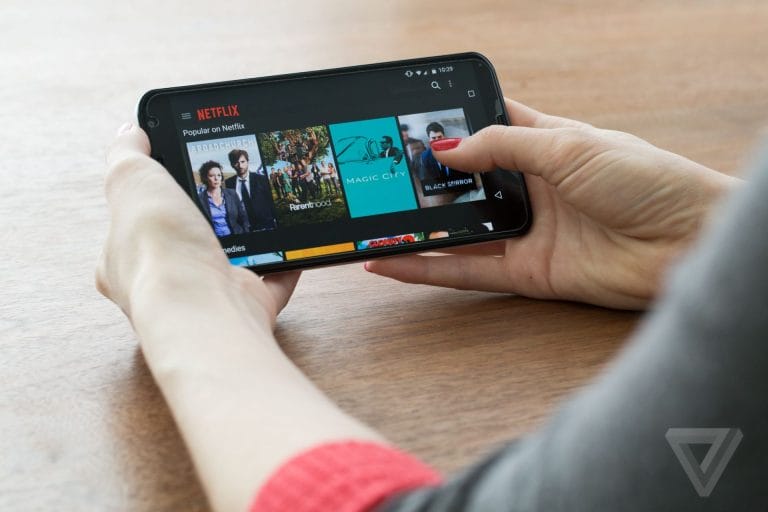
3. Download IPTV app

4. Test/Buy our service
5. Enjoy IPTV!