
Formuler IPTV Instructions – To watch IPTV with your Formuler IPTV Box, you need to download an IPTV app. Below you can see different apps that work with your Formuler box. Click on any app to read how to get started. There are of course other apps that work with your device, but below you’ll find the ones we recommend.
We have listed the apps in order of which we consider easiest to get started with, where the best is first/at the top.
When you’re getting started with your Formuler IPTV box, begin by searching for the apps below in the order they appear. If you don’t manage to get started with the first app you try, test the next one and the next until it works for you. With your login details, you can use any apps you want. You’re not limited to a specific app. Read more below!
Just remember to only use one app at a time!
Note that the MyTVonline apps are Formuler’s own apps and are therefore strongly recommended to use. The playlist is easy to activate on these apps.
(Easy installation)
(Easy installation)
(Easy installation)
(Easy installation)
(Easy installation)
(Relatively easy installation)
(Relatively easy installation)

Buy a Formuler box from us! We don’t recommend buying a used Formuler IPTV box as you never know how it has been used before. A used device may have been misused, and important components such as the hard drive, processor, or RAM may have been damaged. It’s always recommended to use an Apple TV or, for example, an Nvidia Shield.
Whether you already have a Formuler IPTV box or are buying a new one, it can be good to remove unnecessary apps that aren’t used as they take up space in the box’s storage.

Complete the basic settings and accept any terms on your new Formuler box if it’s new. Keep the packaging as your warranty may be tied to it.
Also connect your new box to your network. It is always recommended to use an Ethernet cable (network cable) but it also works well with Wi-Fi provided that your router is not too far away and that it is a good router that provides good coverage of the network in the home.
If large objects such as refrigerators, wardrobes, doors, and other things are in the way, your Formuler IPTV box may lose or get a poor connection at times. Therefore, to be on the safe side, use a network cable between the device and the router.

Today there are many different IPTV apps for IPTV with Formuler Box. Above on this page, you can see some that we recommend. Preferably download the apps from the

Now it’s time for you to request a free trial from us by clicking the button below. We always recommend buying 3 months after your free trial to have enough time to test properly as our content is enormous. We offer basically all sports, all movies, and all series and documentaries you can think of. Of course, the entire content is included even when you test our service for free.

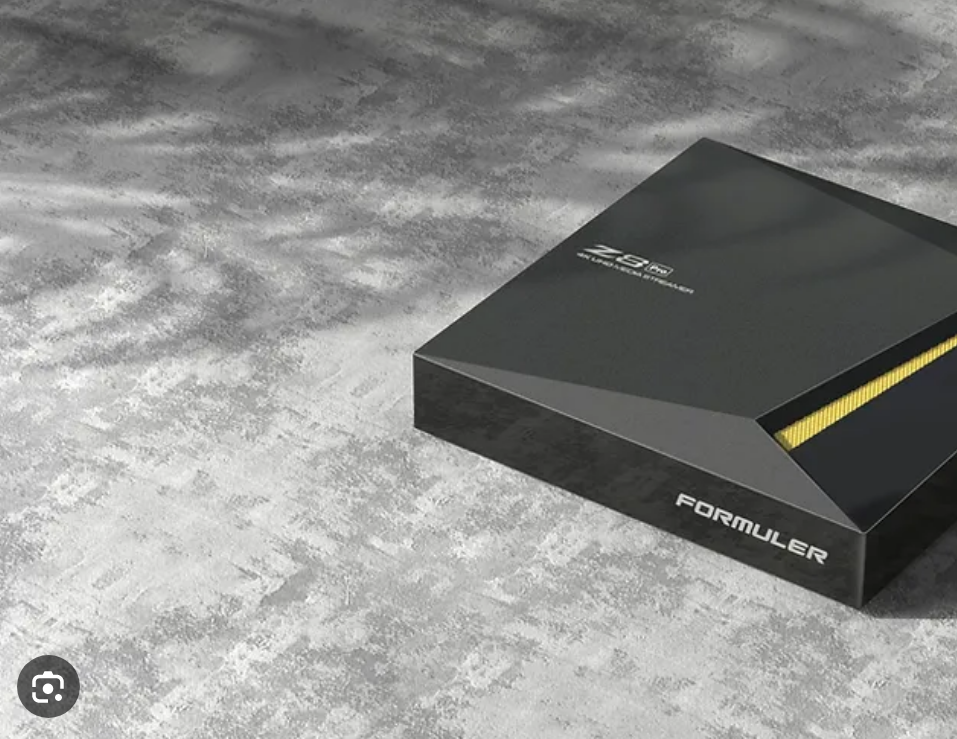
In summary, we recommend buying a new Formuler Box to watch IPTV on Formuler IPTV boxes. Then complete the basic settings and connect the box to the internet (preferably with a network cable). Then download an IPTV app and request a free test or buy a 1-12 month package from us.
Enjoy channels, movies, series, documentaries + all PPV events!
IPTV on Formuler boxes offers one of the best streaming experiences thanks to the device’s powerful hardware and intuitive user interface. Formuler boxes are built to deliver high-quality IPTV streaming and work smoothly with both live TV and video-on-demand (VoD). One of the most prominent features on Formuler boxes is the MyTVOnline app, which comes pre-installed on the device and provides easy access to IPTV services.
With MyTVOnline, you can connect to your IPTV provider by adding a portal URL or M3U link. It also supports EPG (electronic program guide), program recording, and Time Shift functions, allowing you to pause and rewind live TV. Subtitles and multiple audio tracks are also supported, making it easy to customize the viewing experience.
Formuler boxes, such as Z8, Z10, and Alpha, are known for delivering smooth and stable streaming in high quality, including 4K resolution and HDR support. The devices are user-friendly and allow for easy installation and configuration of IPTV services. With its combination of powerful hardware and advanced software features, Formuler boxes are a popular choice for IPTV enthusiasts looking for a smooth and professional streaming solution.
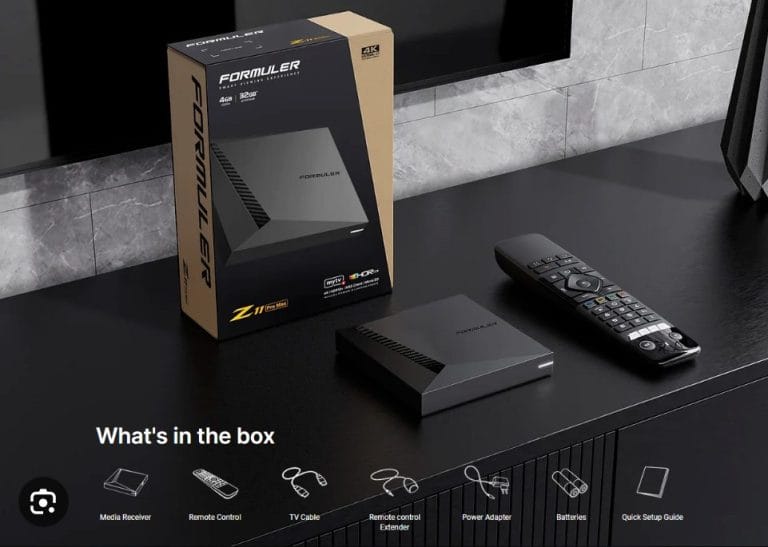
1. Buy a Formuler Box
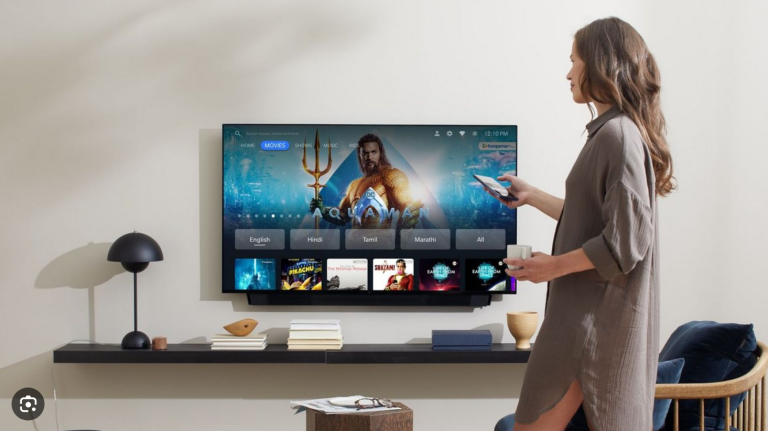
2. Complete basic settings
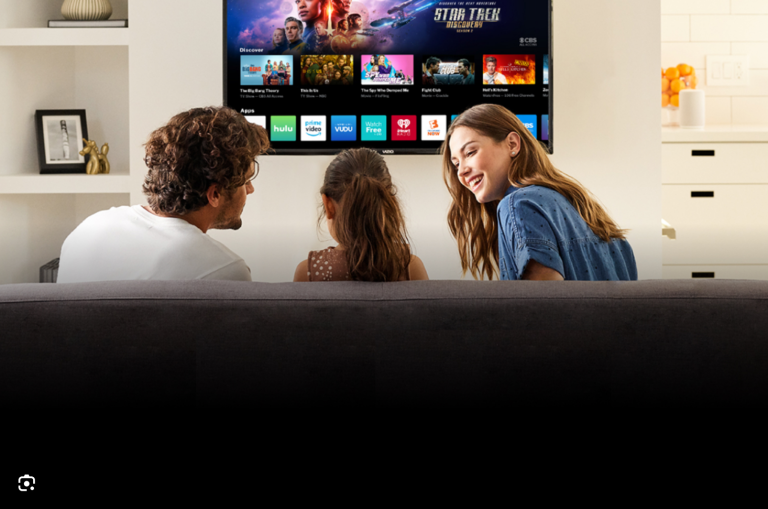
3. Download IPTV app
4. Test/Buy our service
5. Enjoy IPTV!